
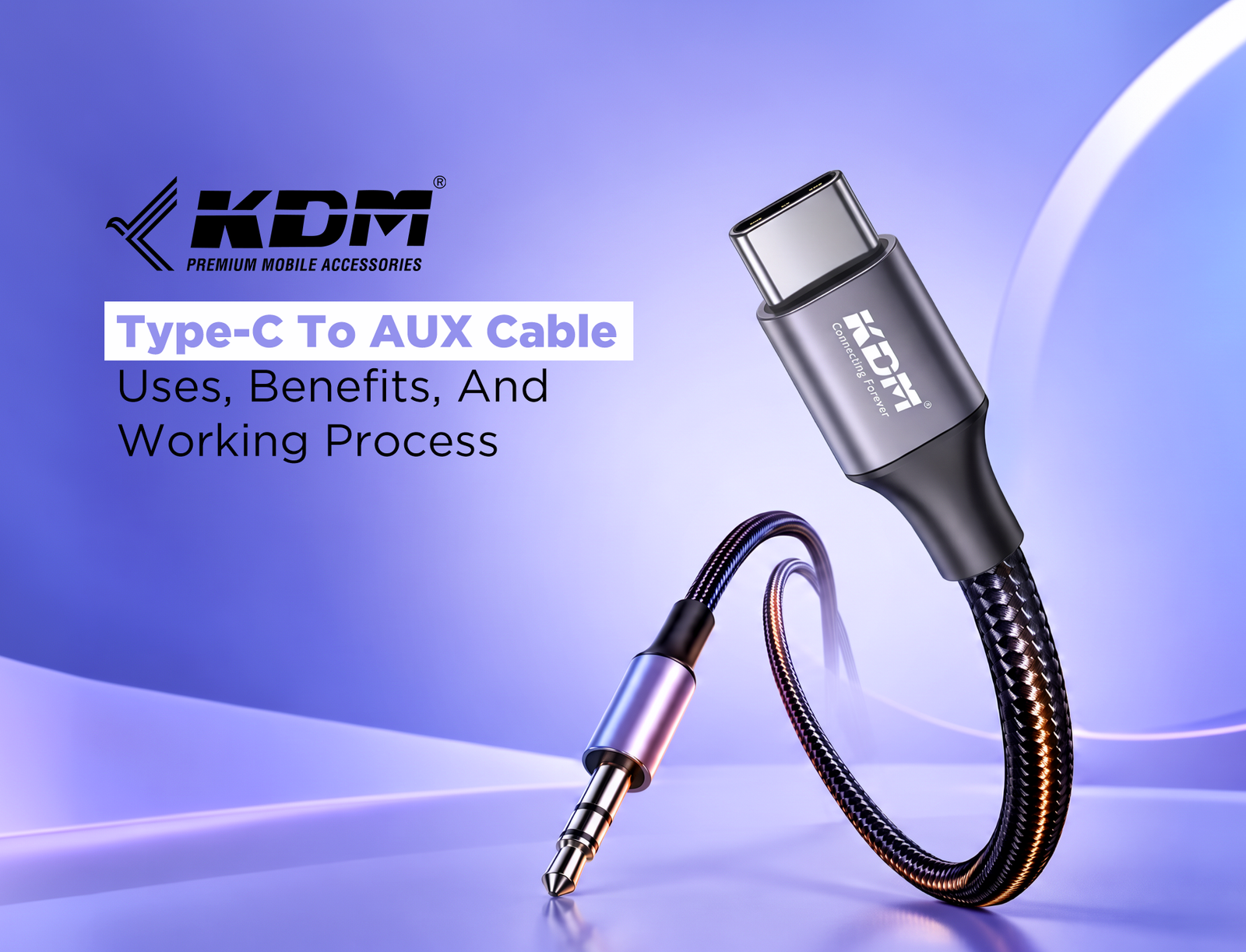
Modern smartphones have begun to employ the USB Type-C port for functions such as charging, data transfer, and audio. Nonetheless, consumers still have a preference for headphones and speaker devices that use the conventional 3.5mm audio input. A Type-C audio cable helps connect compatible devices to this equipment without requiring a wireless connection.
KDM India offers mobile accessories for everyday connectivity needs. Having insight into how this audio device operates and where it can be used is of great importance in making purchases.
What Is A Type-C To AUX Cable?
The Type-C to 3.5 mm audio cable will link a device with a USB Type-C port to devices that have a 3.5 mm audio input port. The first end is connected to the smartphone, tablet, or laptop, while the second end is connected to wired headphones, a car radio, or external speakers.
It is especially handy for smartphones lacking the audio jack since it makes it possible for users to use the existing wired accessories rather than purchasing new ones.
Nevertheless, compatibility plays a crucial role here. Today’s smartphones transmit digital sound through USB-C. Hence, the cable itself should have a built-in DAC to work.
How Does A Type-C Audio Cable Work?
This process entails linking the source device, converting the audio signal when required, and playing out sound to the linked devices.
1. Connect The USB Type-C End
Connect the Type-C connector to your mobile phone, laptop, or desktop PC. Your source device must have the ability to transmit audio via the USB-C port.
2. Convert The Digital Audio Signal
When the device produces digital audio, an appropriate cable with a DAC will convert the audio into analog form. This way, normal headphones and other audio equipment can create sound. Devices vary in their audio-output options, so you may want to see if the chosen cable has the necessary conversion hardware.
3. Transfer The Audio Signal
After conversion, the audio signal travels through the cable to the connected headphones, speaker, or car stereo. Unlike Bluetooth, this connection does not require wireless pairing.
4. Play Audio Through The Connected Equipment
Listen to some music, podcasts, or videos from the device being used as the source. You may need to select the AUX option on your receiving device and control the volume. In the absence of any sound, review the above-listed items.
Common Uses Of A Type-C Audio Cable
1. Connecting Smartphones To Car Stereos
Many car audio systems include a 3.5mm AUX input for playing sound from an external device. A compatible connection allows users to play music, podcasts, and navigation instructions through the car speakers.
Before purchasing, confirm that the stereo has an AUX input and the smartphone supports USB-C audio output. A charging-only USB connection will not necessarily provide audio functionality.
2. Using Existing Wired Headphones
People who own wired headphones may not want to replace them simply because their smartphones lack a headphone jack. An AUX cable provides a practical solution for listening while studying, working, travelling, or relaxing at home.
Microphone input and call-control buttons may not work with every combination of cable, phone, and headset. Check these features if you regularly use wired headphones for calls.
3. Connecting External Speakers
Some powered speakers and home audio systems accept sound through a 3.5mm input. A suitable connection allows users to play audio from a compatible smartphone, tablet, or laptop.
This setup is useful for personal listening, small gatherings, and everyday entertainment. Always confirm that the receiving equipment has an audio input.
4. Using Tablets And Laptops
Compatible tablets and laptops can connect to wired headphones and external audio equipment through USB-C. This is useful for video playback, online classes, presentations, and other activities where users prefer a direct connection.
Key Benefits Of A Type-C Audio Cable
1. Direct And Convenient Connectivity
A wired connection avoids Bluetooth pairing and wireless discovery issues. Once connected correctly, it provides a straightforward way to play sound through compatible equipment. An AUX cable can also connect a compatible smartphone to older audio systems that do not offer Bluetooth connectivity.
2. Continued Use Of Existing Accessories
A new smartphone does not always require replacing every audio accessory. A compatible AUX cable helps users continue using existing wired headphones, speakers, and car stereo systems. This can be a practical option for people who want to extend the useful life of their current equipment.
3. Compact And Portable Design
Most audio cables are lightweight and easy to carry in a backpack, handbag, or laptop case. Users can keep one available for commuting, office use, and travel. For regular use, choose a model with secure connectors, flexible insulation, and adequate strain relief to help reduce wear from repeated bending.
4. No Separate Bluetooth Charging
A direct wired connection does not require a separate Bluetooth receiver when the cable supports the connection independently. This simplifies the setup and reduces the number of accessories users need to carry. Audio quality still depends on the source device, DAC, cable construction, and receiving equipment. A wired connection does not automatically guarantee better sound in every situation.
5. Useful Across Different Environments
An AUX cable supports different listening situations, including car journeys, desk setups, home entertainment, and compatible wired headphones. Users can connect supported equipment without repeatedly setting up a wireless connection.
Type-C Audio Cable vs. Regular USB Data Cable
Although both accessories may use USB connectors, their intended functions differ.
| Feature | Type-C Audio Cable | USB Data Cable |
|---|---|---|
| Main purpose | Transmitting audio to compatible equipment | Charging and supported data transfer |
| Typical connection | USB-C to 3.5mm audio input | USB connections between devices |
| Signal requirements | May require a DAC | Depends on supported power and data specifications |
| Common uses | Headphones, speakers, car stereos | Charging phones and transferring files |
A USB data cable should not automatically be treated as an audio accessory. Similarly, an audio-specific cable should not be used for charging or file transfers unless the manufacturer explicitly supports those functions. Choosing the right accessory depends on the ports, supported features, and intended purpose.
What To Check Before Buying
Consider these factors before selecting a Type-C audio cable:
- Device compatibility: Confirm that the smartphone, tablet, or laptop supports USB-C audio output.
- DAC support: Check whether the device requires an integrated digital-to-analog converter.
- Connector type: Ensure the 3.5mm end matches the receiving equipment’s input.
- Build quality: Look for secure connectors, durable insulation, and reinforced stress points.
- Cable length: Choose a suitable length for your car, desk, or travel requirements.
- Additional features: Verify microphone support and call controls if you need them.
A USB data cable is generally intended for charging and supported data transfer, while an audio-specific cable connects compatible devices to sound equipment. Checking product specifications helps prevent compatibility problems.
For businesses purchasing accessories in bulk, compatibility information and product quality are important considerations. Mobile Phone Accessories Manufacturers should provide clear technical specifications, while a mobile phone accessories wholesaler should help buyers identify suitable products for customer requirements.
Tips For Better Performance And Longer Cable Life
Follow these simple practices to maintain a reliable connection:
- Insert both connectors fully without forcing them into the ports.
- Keep the connectors clean and dry.
- Avoid sharply bending the cable near the plugs.
- Disconnect it by holding the connector instead of pulling the wire.
- Start playback at a low volume and increase it gradually.
- If the sound cuts out, test the cable with another compatible device.
These habits can help reduce connector damage and make troubleshooting easier when audio problems occur.
Summary:
A Type-C audio cable connects compatible USB-C devices to traditional 3.5mm audio equipment. It is useful for playing music through car stereos, connecting wired headphones, and using external speakers. Its practical advantages include straightforward setup, portability, and continued use of existing accessories.
KDM India offers mobile accessories for different connectivity needs. Before purchasing an audio cable, check device compatibility, DAC requirements, connector type, and supported features to ensure it meets your intended use.
FAQs
1. What is a Type-C audio cable used for?
It connects compatible USB-C devices to equipment with a 3.5mm audio input, including wired headphones, car stereos, and external speakers.
2. Does a Type-C audio cable work with every smartphone?
No. The smartphone must support USB-C audio output, and some devices require a cable with an integrated DAC.
3. Can I connect my phone to a car stereo?
Yes, provided the car stereo has a 3.5mm AUX input and the phone supports audio output through USB-C.
4. Is an AUX cable the same as a USB data cable?
No. An AUX cable designed for audio transmits sound to compatible equipment, whereas a USB data cable is generally designed for charging and supported data transfer.
5. How can I choose a durable Type-C audio cable?
Check compatibility, connector quality, cable length, insulation, and strain relief. If you need microphone support or call controls, confirm that the manufacturer explicitly lists these features.